Best Free Movie Apps for Android in 2026
Finding a genuinely good free movie app for Android in 2026 is both easier and harder than it used to be. Easier, because properly legal, free-with-ads services now carry thousands of films you can watch without paying or signing up. Harder, because the Play Store and the wider web are crowded with lookalike apps making big promises in small print.
This guide lists ten free movie apps for Android that are actually worth your time right now. It separates the fully licensed services from the third-party APKs that sit in a legal grey area, and it explains how to pick the right one for your device, your data plan, and your tolerance for adverts.
Quick picks:
- Best legal all-rounder: Tubi
- Best for live channels plus movies: Pluto TV
- Best for Amazon households: Freevee
- Best catalogue depth: Plex
- Best-known third-party APK: FreeCine — read the honest notes in section 7 before installing
The 10 Best Free Movie Apps for Android
1. Tubi
Tubi is the strongest legal free movie app on Android right now. It carries a huge on-demand library — the company claims over 200,000 films and shows — covering Hollywood titles, independent films, documentaries, and a surprisingly deep collection of classics. Most content plays without an account, the ad breaks are short and infrequent compared with broadcast TV, and the app runs well on phones, tablets, Fire TV sticks, and Android TV. The honest trade-off: you will not find brand-new releases here. Free licensing deals arrive months or years after a film leaves cinemas, so treat Tubi as a library of older hits rather than a premiere service.
2. Pluto TV
Pluto TV, owned by Paramount, combines hundreds of always-on live channels with a solid on-demand movie section. It is one of the best free movie apps if you like the feeling of traditional TV — you can drop into a channel already playing something — but its film library on demand is genuinely useful too, spanning action, comedy, horror, and family titles. No account is needed, the Android app is stable, and it works on smart TVs and streaming sticks. The catch is the same as everywhere in this list’s legal half: the catalogue rotates, so a film you bookmark today may leave next month.
3. Freevee
Amazon’s free streaming tier, Freevee, is worth installing if your household already uses Amazon services. It offers a respectable mix of films, Amazon originals, and live channels, all supported by adverts. You will need an Amazon account to sign in, which is the main friction point compared with Tubi or Pluto TV. Picture quality is consistently good, and because Amazon runs it, the app receives regular updates and works across Android phones, Fire TV, and Android TV without the jank you sometimes get from smaller services.
4. Plex
Plex began as software for organising your own media collection, but its free streaming side has quietly become one of the most polished free movie apps on Android. The interface is cleaner than most competitors, the library leans towards well-known films rather than filler, and it integrates live TV channels as well. If you already keep video files on a home computer, Plex gives you both in one app: your own library plus free licensed streaming. Account creation is required for the full experience, which some users will find annoying.
5. YouTube
Almost everyone already has it, which makes YouTube the most underrated free movie app on this list. Its “Free with Ads” movies section includes a rotating selection of full-length films, and the platform is unmatched for documentaries, classic cinema, and independent releases that never made it to the big services. The obvious downside is curation: you have to dig. But for zero effort and zero new installs, checking YouTube’s free movie shelf before downloading anything new is sensible.
6. Crackle
Crackle is a smaller licensed service that punches above its weight through curation rather than catalogue size. Its film selection is tighter, its original series are watchable, and much of the content plays without creating an account. It does not try to compete with Tubi on volume, which is arguably a strength — you spend less time scrolling. Availability outside the United States can be patchy, so check whether it is supported in your region before you get attached to it.
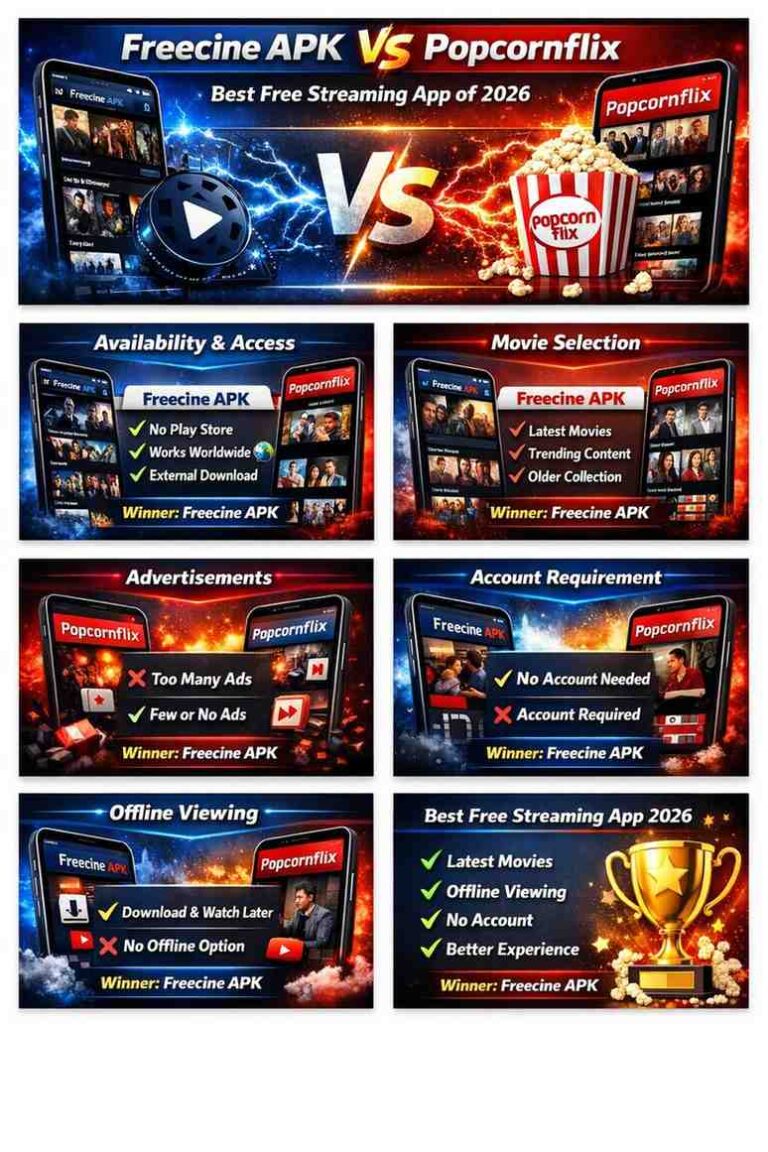
7. FreeCine
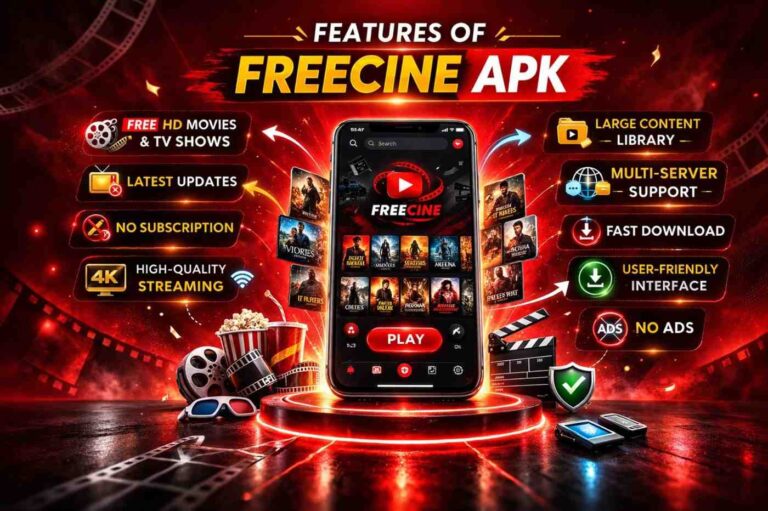
FreeCine is the best-known third-party option on this list, and it needs an honest paragraph. It is not on the Google Play Store: you install it by downloading an APK from its official site and sideloading it. Its appeal is a very large catalogue, including recent releases, with offline downloading and multi-device support. But be clear-eyed about what it is: an unofficial app that aggregates streaming links, which puts it in a legal grey area in most countries — our full breakdown covers this in detail (Is FreeCine Safe?). Practical rules if you use it: download only from the official website, never from lookalike mirrors; keep Play Protect enabled; and do not grant permissions the app does not need. It is a workable option for some users, not a risk-free one for anyone.
8. BeeTV
BeeTV belongs in the same third-party category as FreeCine. It aggregates streaming links into a clean interface, supports external players like MX Player and VLC, and some users pair it with a Real-Debrid subscription for more reliable links. Everything said about FreeCine’s grey-area status applies here too, with one extra note: BeeTV has gone through periods of unstable development, so check that you are getting it from a current, trustworthy source and expect the occasional broken update. For most users, one third-party app is enough — pick whichever is maintained and stop there.
9. MX Player
MX Player started as a video player and grew into a genuine streaming service, especially popular across South Asia. Its free movie and show library is ad-supported, the app is lightweight on older phones, and its strength is regional content — Bollywood films, local series, and dubbed international titles that the Western services barely carry. If you are in Pakistan, India, or Bangladesh, this deserves a place above several apps ranked higher on global lists. Outside those regions the catalogue thins out, so treat it as a regional specialist.
10. Sling Freestream
Sling’s free tier, Freestream, bundles more than 500 live channels with an on-demand movie section, no account required. The interface is closer to cable TV than to Netflix, which suits channel-surfers. The honest limitation is geography: much of the best content is US-focused and some of it is geo-restricted. Still, as a no-sign-up backup app with a genuinely large channel count, it earns its place on this list.
How to Choose the Right Free Movie App
With ten options on the table, use these five checks before you install anything:
- Legal or grey area? Licensed services (Tubi, Pluto TV, Freevee, Plex, Crackle, MX Player, YouTube, Freestream) carry content they have paid to distribute. Third-party APKs (FreeCine, BeeTV) aggregate links without clear licensing. That distinction decides your risk, not just your conscience.
- Device support. Most legal apps run on Android phones, Android TV, and Fire TV sticks. Third-party APKs often need sideloading on Fire TV — if that is your setup, our Fire TV installation guide walks through the process.
- Offline viewing. Tubi and Pluto TV are streaming-only for most titles. If you want downloads for travel or weak connections, check the app’s offline policy first — and our FreeCine features guide explains how offline viewing works on the third-party side.
- Ad load. Every free app shows adverts; the question is how many. Tubi and Freevee are relatively light, while some regional services interrupt more often. There is no widely used free movie app that is completely ad-free — treat any app claiming that as a red flag.
- Account friction. Pluto TV, Crackle, and Sling Freestream work without accounts. Plex, Freevee, and most third-party apps want one thing or another. If privacy matters to you, start with the no-sign-up options.
A Quick, Honest Note on Safety and Legality
Free movie apps fall into two buckets, and understanding them matters more than any single recommendation.
Bucket one: licensed services. Tubi, Pluto TV, Freevee, Plex, Crackle, YouTube, MX Player, and Sling Freestream have distribution deals for what they show. They are legal to use in the countries where they operate, they update through the Play Store, and if something goes wrong you are dealing with a real company.
Bucket two: third-party APKs. FreeCine and BeeTV are not on the Play Store and do not publish clear licensing information. Using them is a legal grey area that depends on your country’s copyright rules — read our detailed analysis (Is FreeCine Safe?) before deciding. The practical risks are malware from fake download sites and apps that request permissions they should not need.
Three habits keep you safe whichever bucket you choose: download apps only from their official sites or the Play Store, keep Google Play Protect switched on, and remember that a VPN changes your location, not the law — it does not make unlicensed streaming legal.
Pros of free movie apps:
- No subscription fees — the entire point
- Most work well on older or low-storage phones
- No-sign-up options exist for the privacy-conscious
- Some offer offline downloads for travel
Cons of free movie apps:
- Adverts interrupt every viewing session
- New releases are rarely available legally for free
- Catalogues rotate — films disappear without warning
- Third-party APKs carry legal and security risks
Frequently Asked Questions
Licensed apps like Tubi, Pluto TV, and Freevee are fully legal — they pay for distribution rights and show adverts to cover costs. Third-party APKs that aggregate streaming links without clear licensing sit in a legal grey area that varies by country. When in doubt, stick to the Play Store.
Some do not. Pluto TV, Crackle, and Sling Freestream let you watch without signing up. Others, like Freevee and Plex, ask for an account. If you want to stay anonymous, start with the no-sign-up options listed in this guide.
Apps like FreeCine and BeeTV are not listed on the Play Store, so they are installed by downloading an APK file and sideloading it. Sideloading itself is a normal Android feature, but it bypasses Google’s app review — which is exactly why you should only download APKs from the app’s official website and keep Play Protect enabled.
Among the legal options, Tubi and Freevee are generally considered light on adverts, with breaks shorter than broadcast TV. No widely used free movie app is completely ad-free — adverts are how these services pay for their content licences.
It depends on the app. Most licensed free services are streaming-only, though some allow limited downloads. Third-party apps like FreeCine commonly include offline downloading as a headline feature. If the app or stream stops working, our FreeCine troubleshooting guide covers the common fixes.
Conclusion
The best free movie app for Android depends on what you value most. For a legal, no-hassle experience, start with Tubi or Pluto TV — they cost nothing, need no account, and work on almost every device. Add Freevee or Plex if you want deeper catalogues, and MX Player if regional South Asian content matters to you. If you are considering a third-party APK like FreeCine, do it with open eyes: read the safety breakdown, download only from the official site, and understand the grey area you are stepping into. Free movies are genuinely available in 2026 — the trick is knowing which kind of free you are getting.